
Based sway
sway tiles your windows on Debian 13, and Omarchy's shell draws the bar, the menus, notifications, clipboard history and the lock screen. You log in through GDM, the same way you would on GNOME.
Download 3.1.3 amd64 ISO, 3.2 GB
SHA-256 14d8fc5578a123bc37ef39ee02c9ea4c20f1b6d2b803bc9a91f934e146266450 (.sha256)
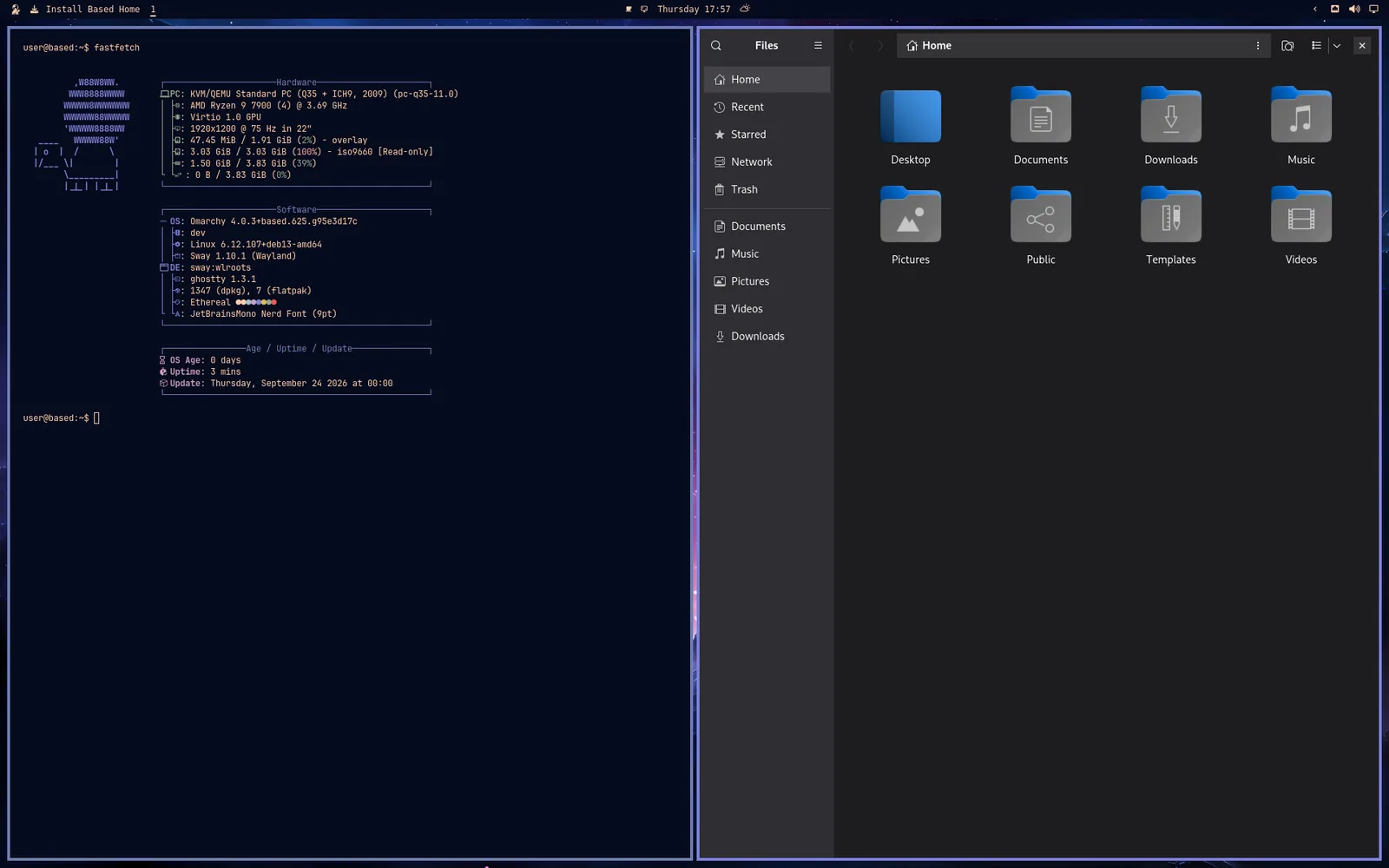
It's a tiling desktop for people who'd rather not spend a weekend writing one. The keyboard does most of the work: Super+Space opens the Omarchy menu, and Super+Ctrl+K lists every key.
What's on it
- GNOME's apps, tiled, the same ones the GNOME edition has: Files, Text Editor, Document Viewer, Image Viewer, Video Player and Archive Manager open what you click.
- Omarchy's themes. Switch one and the bar, the terminal, your apps and the wallpaper all change together.
- Omarchy's install menu, for languages, dev tools and games when you want them.
- Zen for the web and Thunderbird for mail, calendar and contacts.
Installing it
The ISO is live: it boots straight to this desktop without touching your disk, and the installer is on the desktop when you're ready. The download page covers checking the image and writing it to a USB stick.